
Chrome Extension
Capture tasks from any web page, let AI suggest actionable tasks, and manage everything from the sidebar without switching tabs.
Free to install. Works best with a Papayyya account.
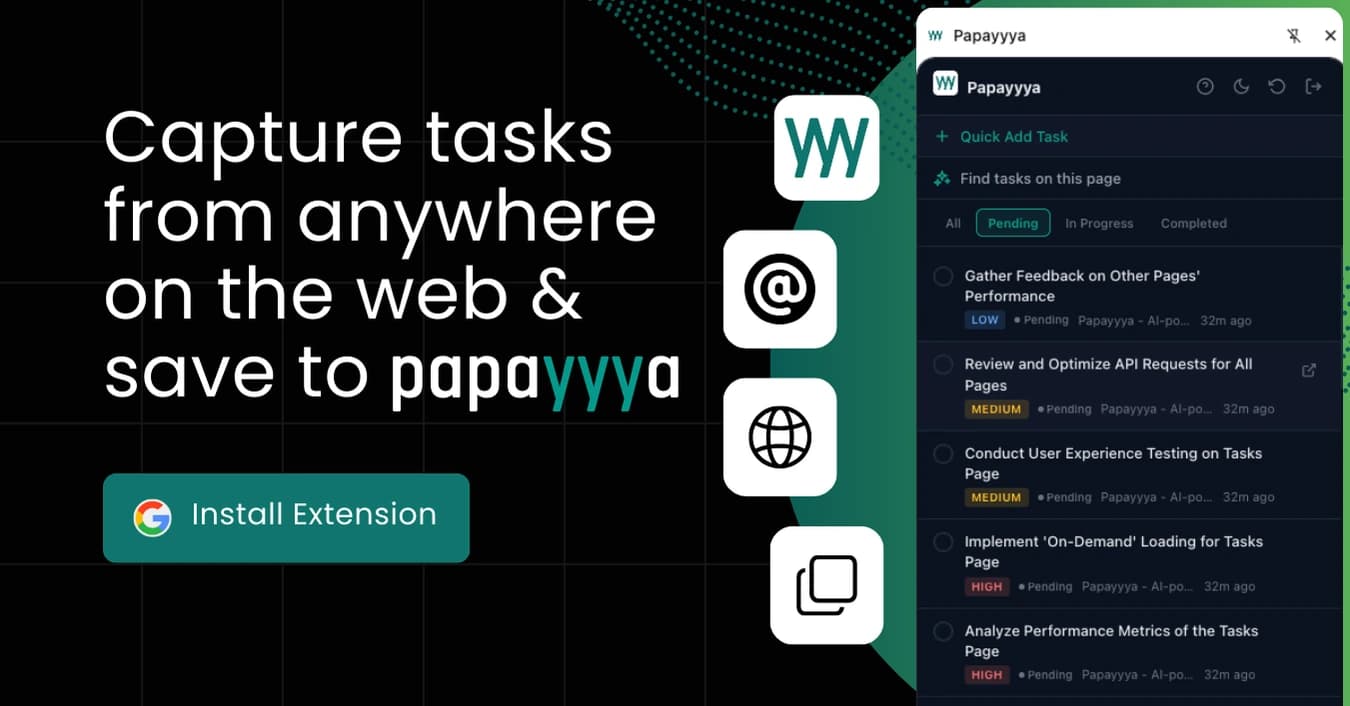
Task capture, AI suggestions, social engagement, and more - all without leaving the page you're on.
Add tasks with title, notes, project, and priority from any web page. Page context is auto-attached so you never lose track of where a task came from.
One click to extract actionable tasks from any article, email, or doc. Select text first for more focused results.
Highlight any text on a page, right-click, and choose "Add to Papayyya" to save it as a task instantly.
View, filter, and manage all your tasks in the browser sidebar - without leaving the page you're working on.
Set a goal and audience, browse LinkedIn, and let Papayyya highlight relevant posts. Get AI-generated comments and replies tailored to your strategy.
We never read pages automatically or in the background. AI analysis only runs when you click the button - you're always in control.
Capture tasks from any web page into your Papayyya workspace
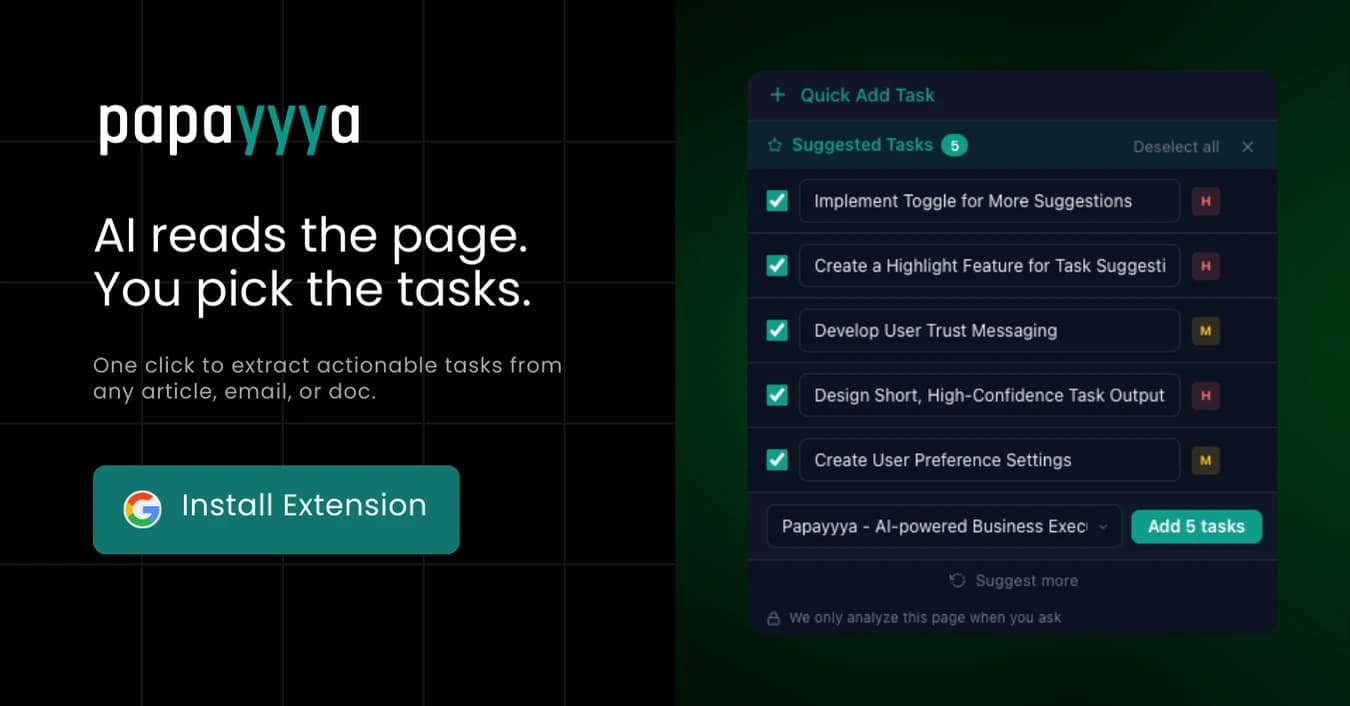
AI reads the page and suggests actionable tasks you can add in one click
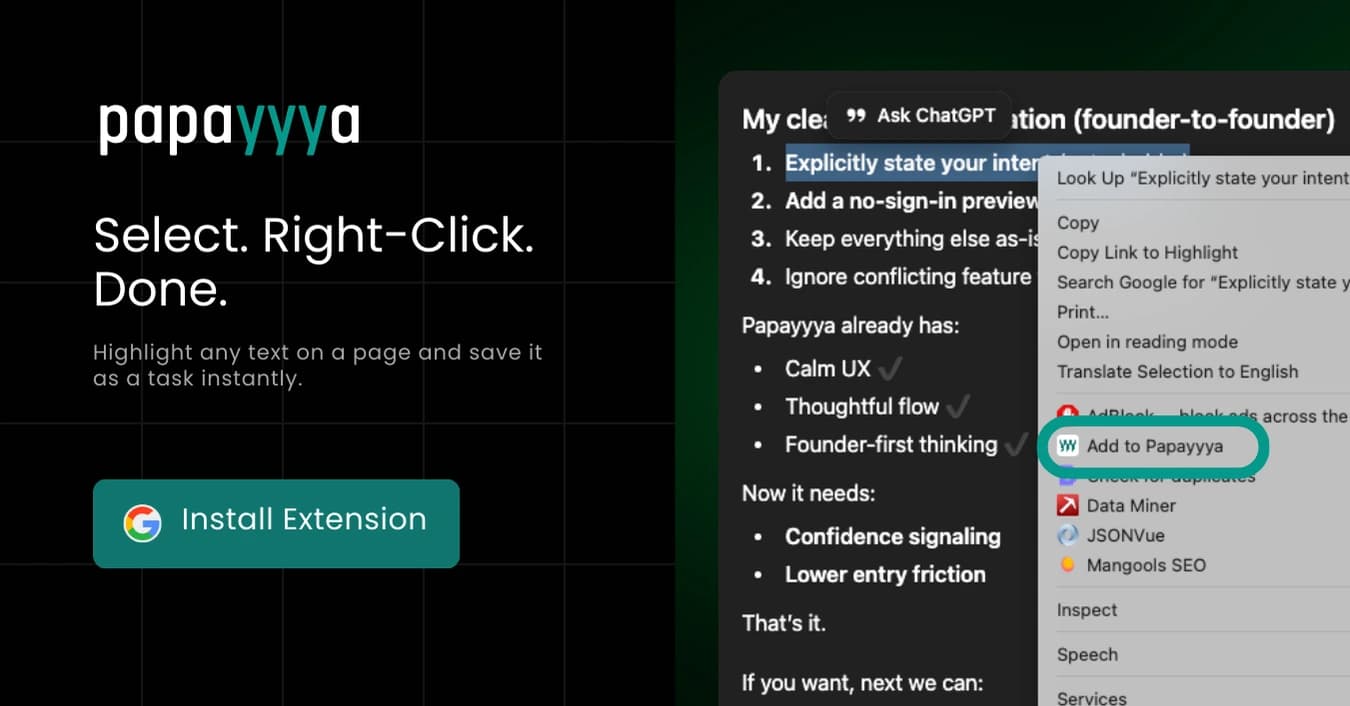
Select any text, right-click, and save it as a task instantly
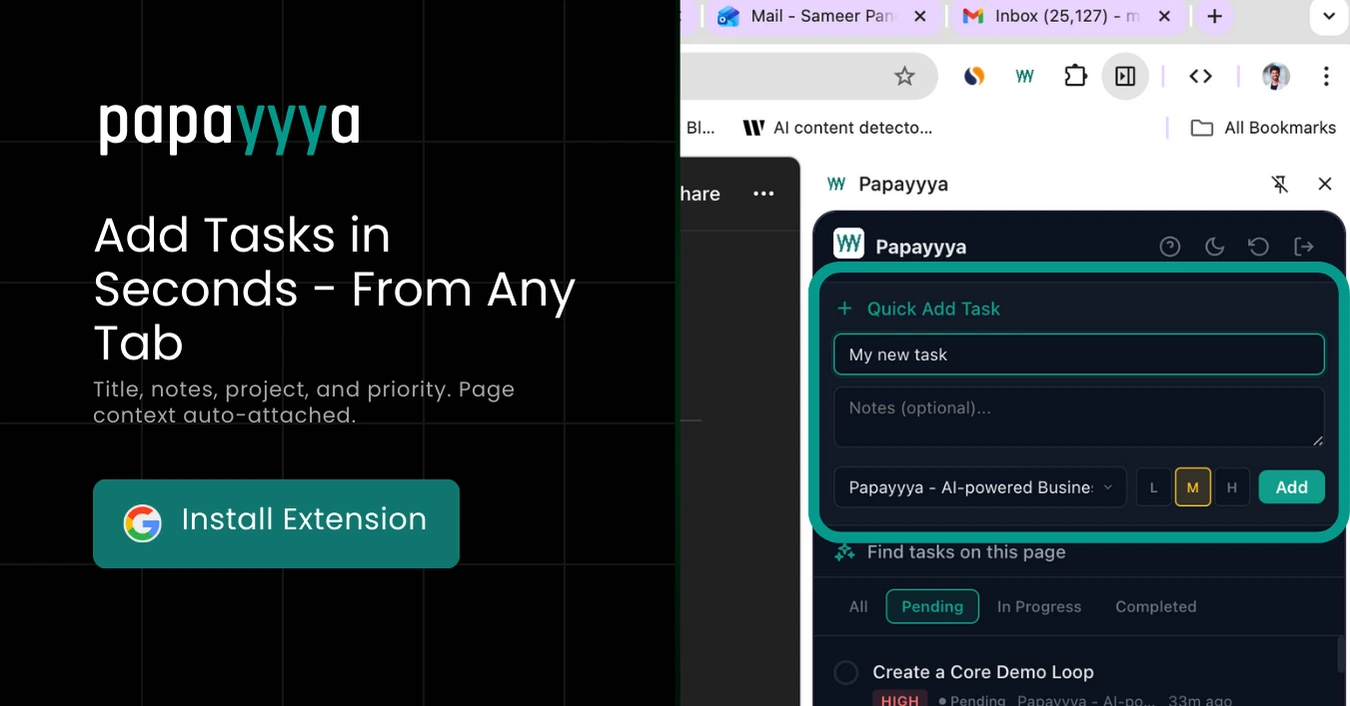
Quick Add - title, notes, project, and priority from any tab
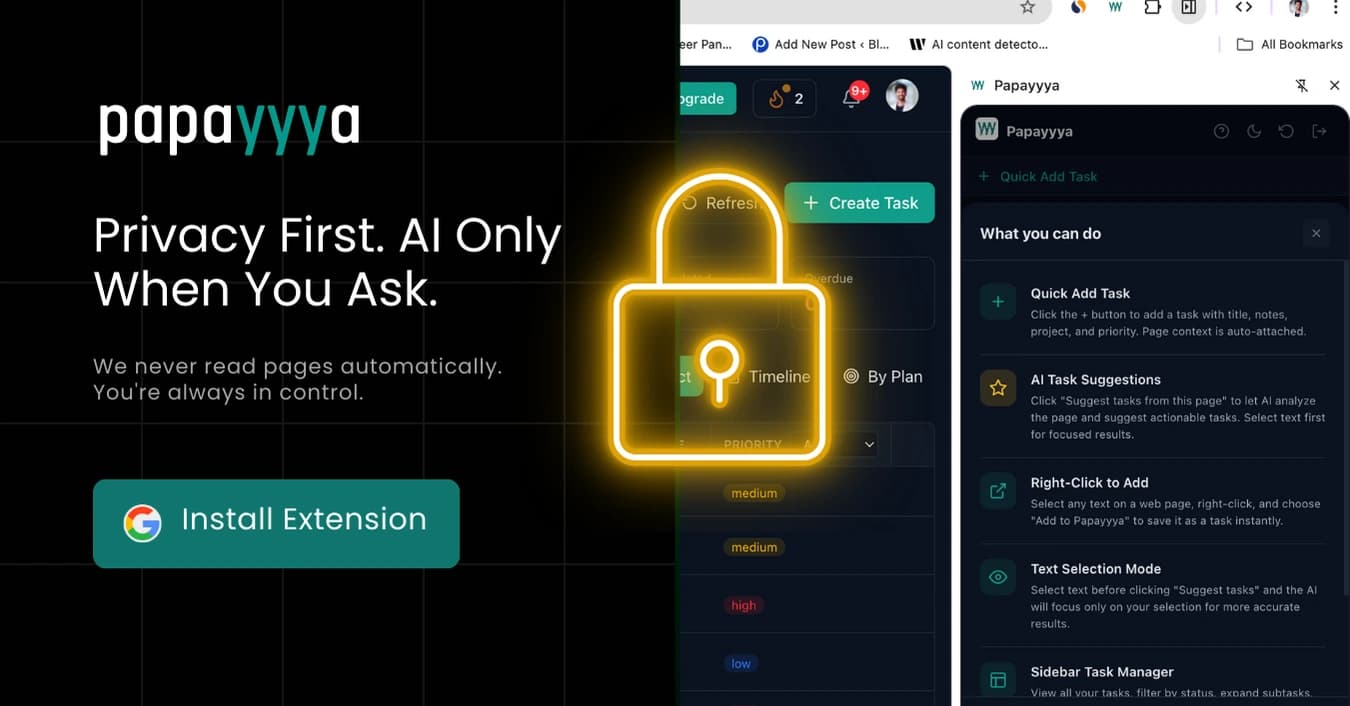
Privacy first - AI only analyzes the page when you click the button
The extension doesn't just capture tasks - it helps you grow your network and reach. Set your goal and target audience, then browse LinkedIn as usual. Papayyya highlights relevant posts and helps you engage with AI-powered comments and replies.
Choose your goal - first 100 customers, hiring, partnerships, visibility - and the extension highlights posts that match.
Generate contextual comments tailored to your goal, audience, and the post content - then edit and post.
Track your daily comments, replies, and drafts. View detailed engagement history on the Papayyya dashboard.
Capture tasks from the browser, manage and plan on the web app, execute with AI guidance, and track everything in one place.
Add tasks, let AI suggest, or right-click to capture - all from the browser sidebar.
Organize in the web app, get AI guidance, break down tasks, and execute with the Copilot.
Use social execution on LinkedIn to engage your audience and track results.
Capture tasks from anywhere on the web and stay connected to your work without breaking focus.